

Registration for fall classes will take place as scheduled but on an alternate application, due to a system failure in the university's information technology infrastructure. The registration process will be very similar to BroncoDirect, but will be through a program called PeopleSoft.
To access PeopleSoft, go to www.cpp.edu/~broncodirect/.
To view the instructions online, go to www.cpp.edu/~broncodirect/instruction.shtml.
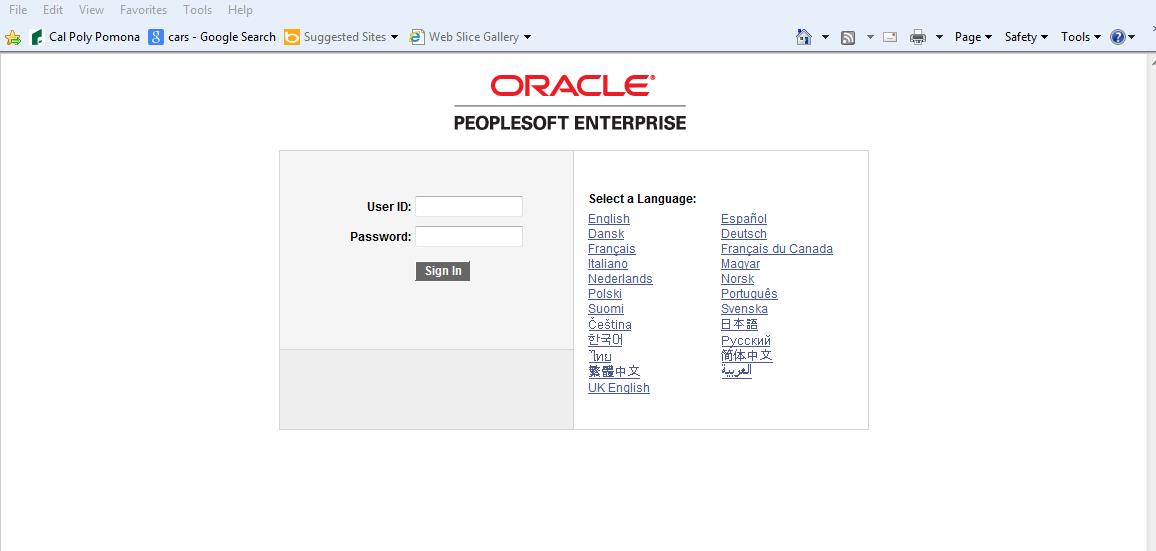
Login Page:
Log in to Oracle PeopleSoft Enterprise with your BroncoName and password. Click on Sign In or hit ENTER on your keyboard.
Upon Login:
Click on BroncoDirect (highlighted item below)

Click on Student Self Services to register for classes. (*Click on Additional Services to see a list of other services.)

To register for classes, click on the Student Center.

Once you are in the Student Center, the registration process should be the same as in BroncoDirect.

* If you clicked on Additional Services, you will see these other options.
