Transitioning from SPSS (SAS/STATA) to R for Survey Research | CCIDM
Transitioning from SPSS (SAS/STATA) to R for Survey Research
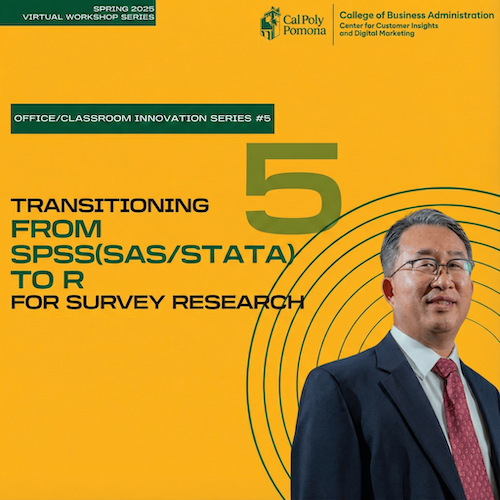
As part of the Spring 2025 CCIDM Virtual Workshop Series, this applied session shows how to migrate labeled survey workflows from SPSS/SAS/STATA to R for greater efficiency and reproducibility. Using SPSS data for illustration, we’ll cover end-to-end preparation, exploratory analysis, psychometric evaluation, and transparent reporting with Quarto.
By the end of the workshop, participants will be able to clean and prepare survey data in R, examine reliability and run EFA/PCA for multi-item scales, construct composite indices, recode and relabel variables and factor levels, round-trip cleaned data back to SPSS, generate descriptive statistics and visualizations, document analyses in Quarto, and conduct common hypothesis tests (t-test, chi-square, one-way ANOVA, multiple regression).
Learning Outcomes
- Explain the data cleaning and preparation process in R.
- Explain the benefits of using for teaching and reproducibility
- Perform Exploratory Data Analysis.
- Examine psychometric properties of multi-item scales (i.e., reliability, exploratory factor analysis, PCA).
- Create a composite scale/index.
- Explain how to recode and change labels for variables and levels.
- Save cleaned data back to SPSS data.
- Describe data analysis and report creation process in Quarto.
- Generate descriptive statistics and visualize the data.
- Perform typical hypothesis tests (i.e., t-test, Chi-square test, one-way ANOVA, multiple Regression)
Workshop Preparation:
Complete Code and Presentation Slides:
https://github.com/CCIDM/transitioning-spss-to-r
Accessing R and RStudio:
To get the most out of this workshop, please ensure you have access to both R and RStudio. You can do this by either downloading and installing them to your computer or by setting up a free Posit Cloud account.
Options for Accessing R & RStudio:
- Posit Cloud (online option) - Get started here
- Install R & RStudio on Windows - Watch this tutorial
- Install R & RStudio on macOS - Watch this tutorial
Introduction to R & RStudio (Optional)
While not required, we encourage you to watch the following workshop beforehand if you can set aside an hour.