Media Clip Instructions Tutorial
Introduction
The module is available for use across the following template pages:
Instructions
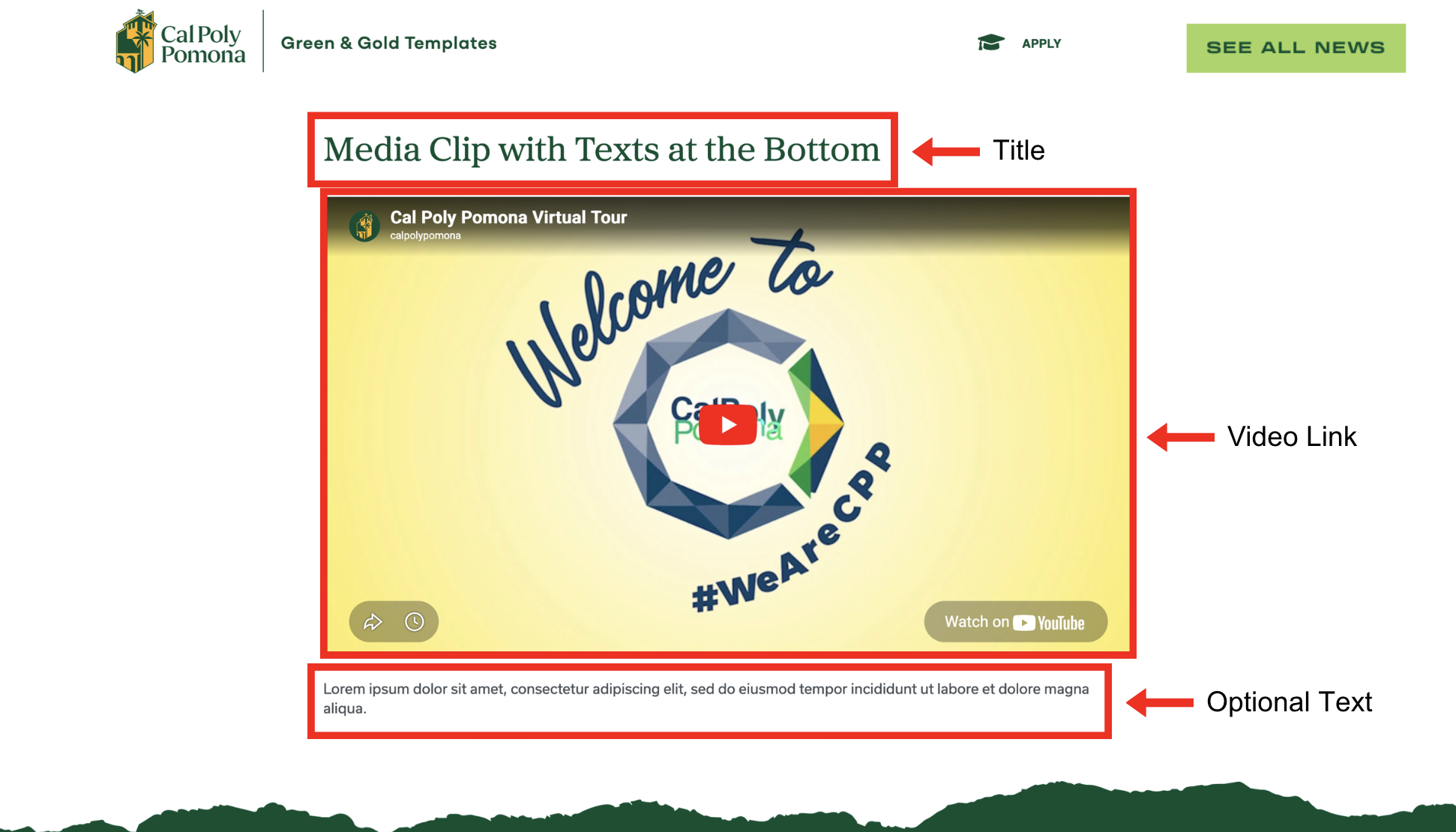
Page View
Cascade View
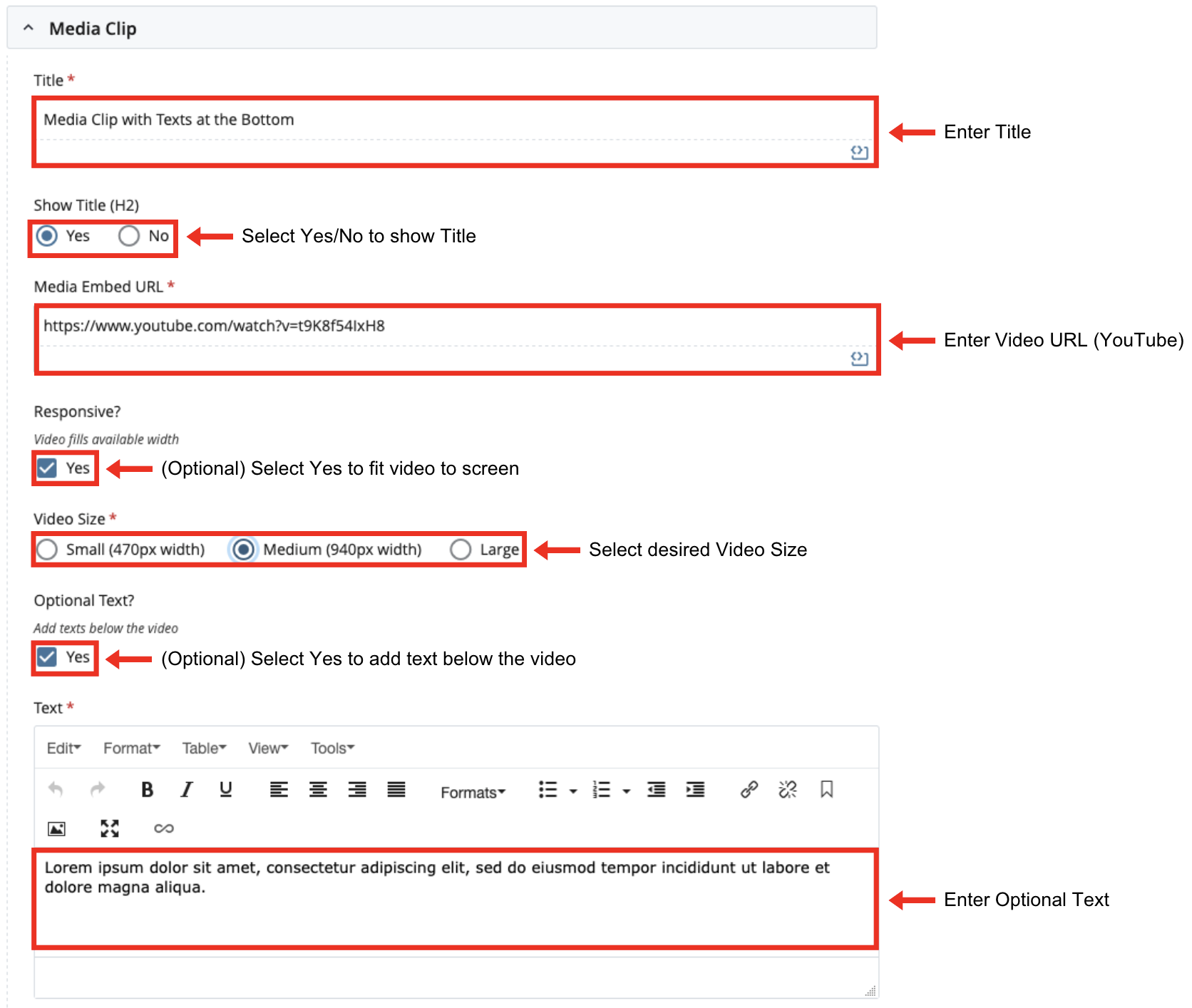
Instructions:
- Title: Enter Title
- Show Title: Select Yes or No
- Media Embed URL: Enter Video URL (Youtube)
- Responsive (Optional): Select Yes to fit video to screen
- Video Size: Select desired Video Size
- Optional Text: Select Yes to add text below the video. If yes, enter text in WYSIWYG editor.
Responsive vs Non-Responsive
This is how the video embed will display with the Responsive property ticked.
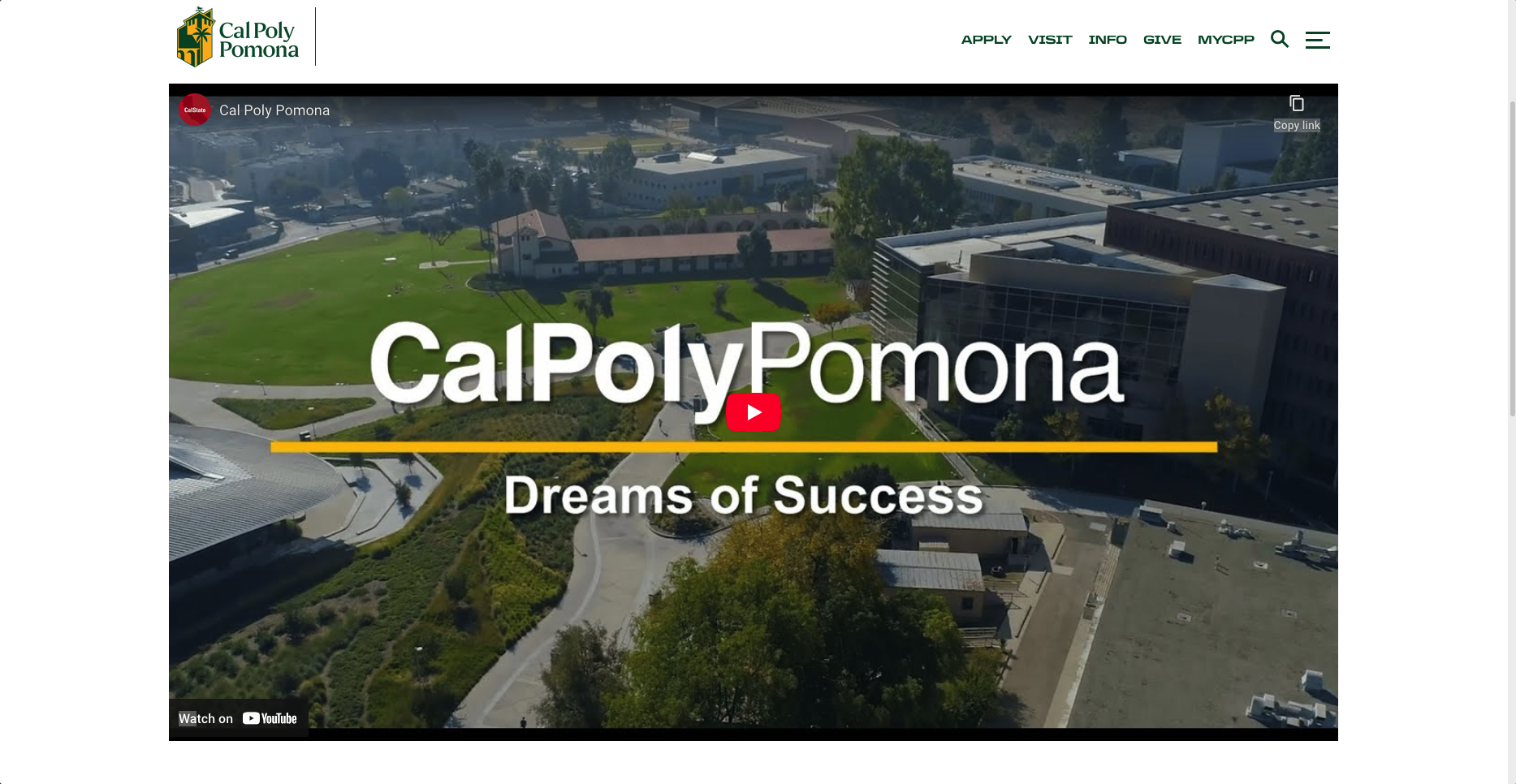
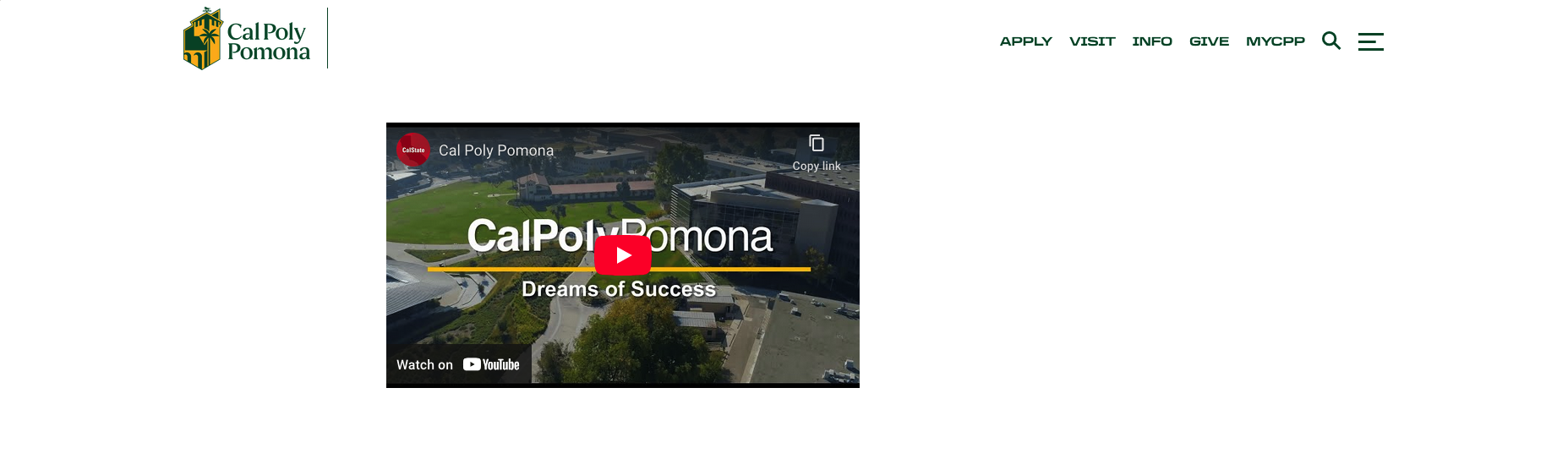
This is how the video embed will display with the Responsive property unticked.
Padding
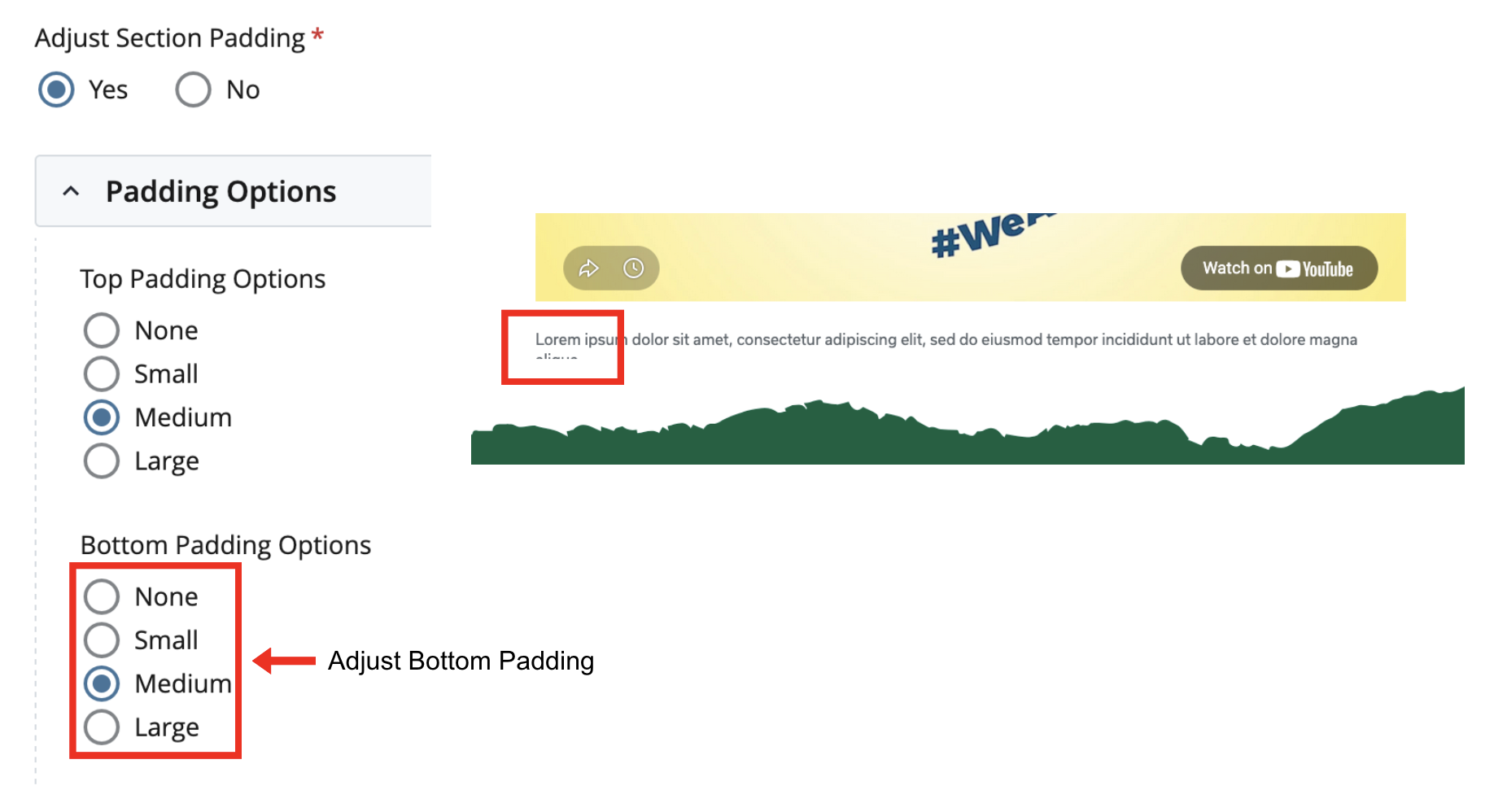
If the Media Clip is at the bottom of the page and the Optional Text is too long, it may be cut off as shown in the image below.
In this case, please make sure to add Bottom Padding for Media Clip Content Option.