Link CPP LinkedIn Learning to Personal Account
Free LinkedIn Learning Access for CPP Students
As a Cal Poly Pomona (CPP) student, you have free access to LinkedIn Learning, a platform with thousands of expert-led courses in technology, business, creative fields, and more. Whether you’re looking to boost your resume, learn new technical skills, or explore a creative passion, LinkedIn Learning has something for you.
Why Connect Your Account
Connecting your CPP LinkedIn Learning account to your personal LinkedIn profile ensures that your:
- Completed courses and certificates
- Learning history and progress
- Personalized learning recommendations
... stay with you even after you graduate or lose access to your CPP email.
This connection helps you build a stronger personal brand and showcase your skills and achievements directly on your LinkedIn profile for employers to see.
How to Connect Your CPP LinkedIn Learning to Your Personal Account


Step 1
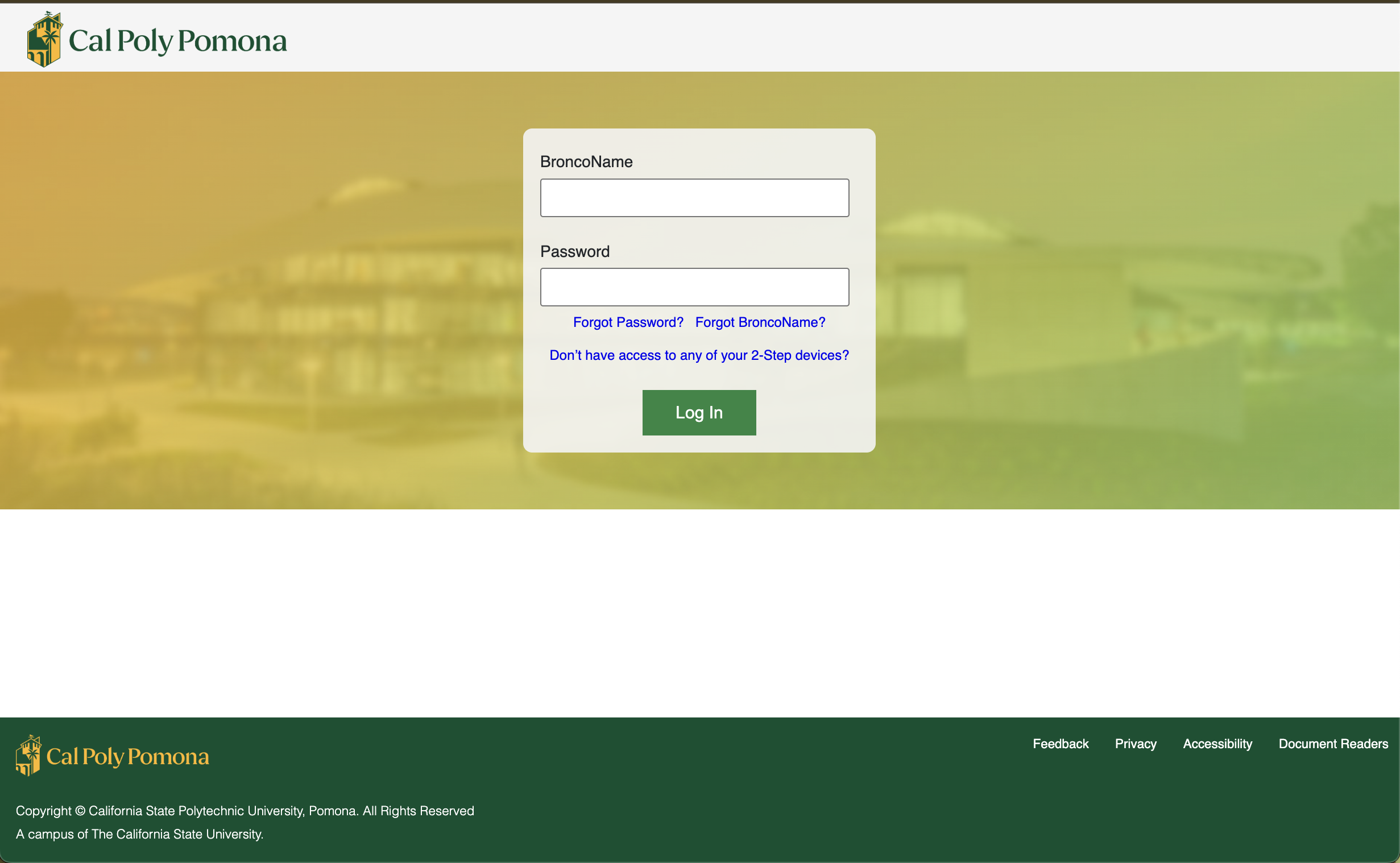
Log in to LinkedIn Learning using your CPP email and password
Step 2
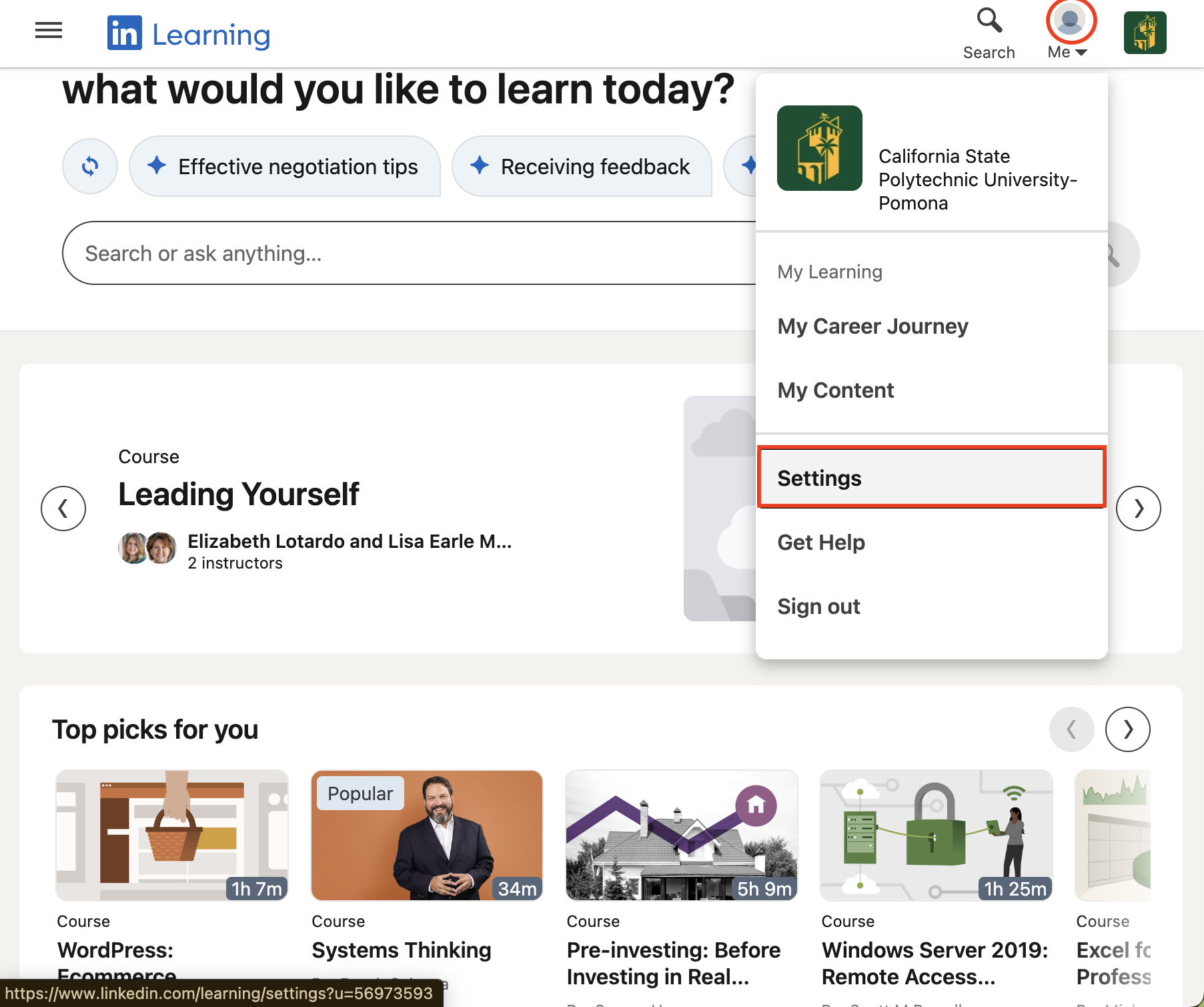
Click your profile icon in the top right and go to Settings
Step 3
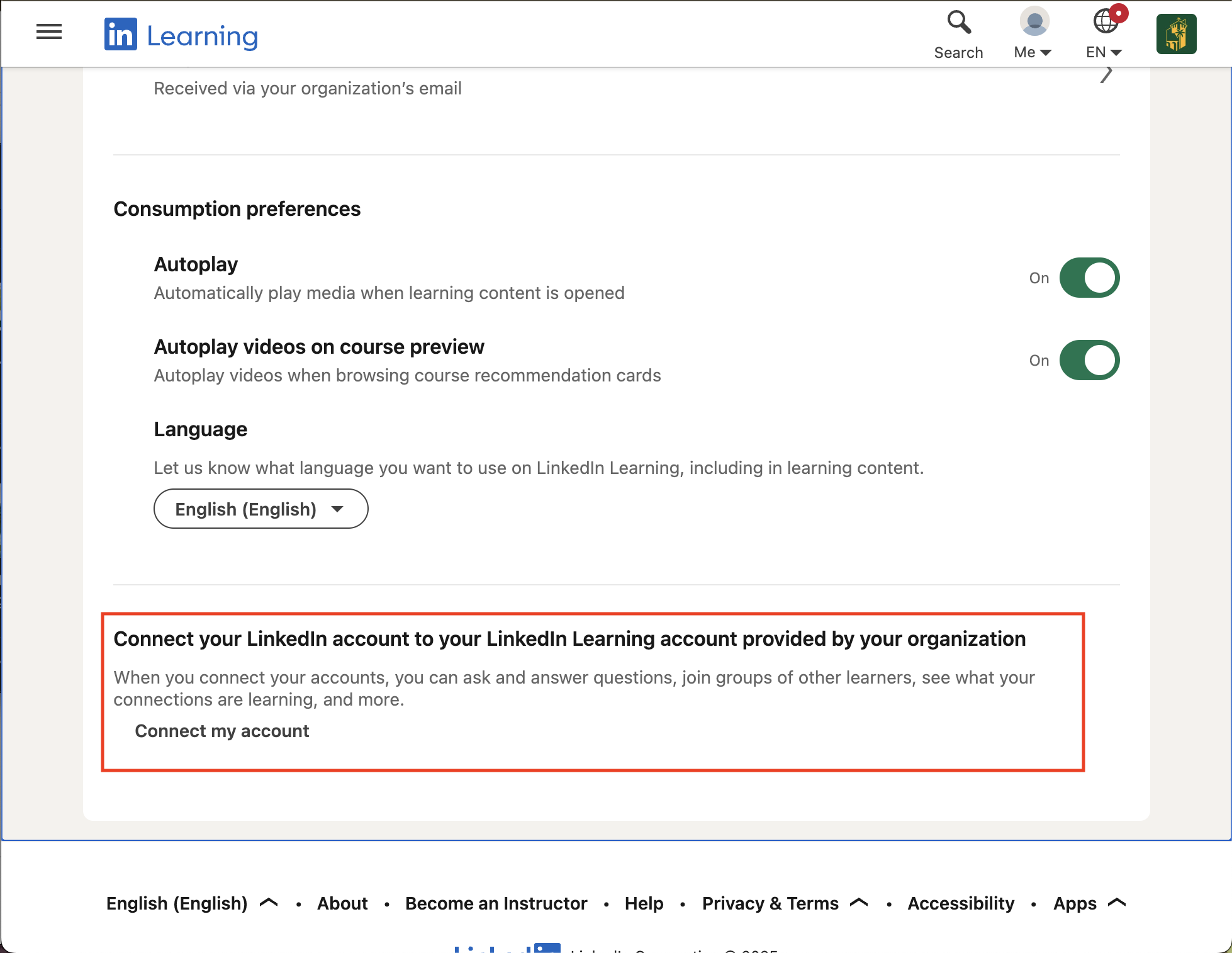
Look for the option Connect your LinkedIn account and click it.
Step 4
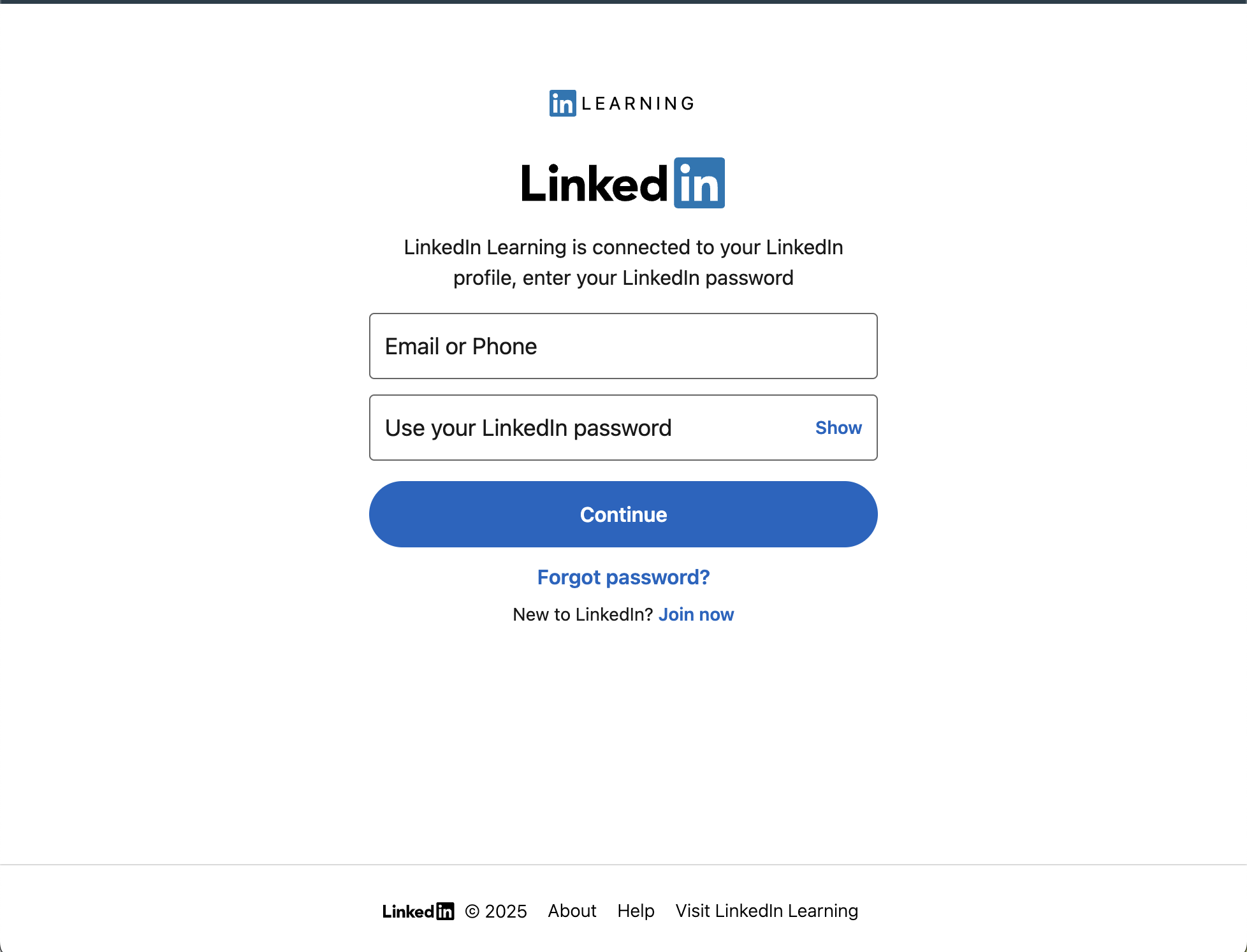
Sign in to your personal LinkedIn account when prompted
Step 5
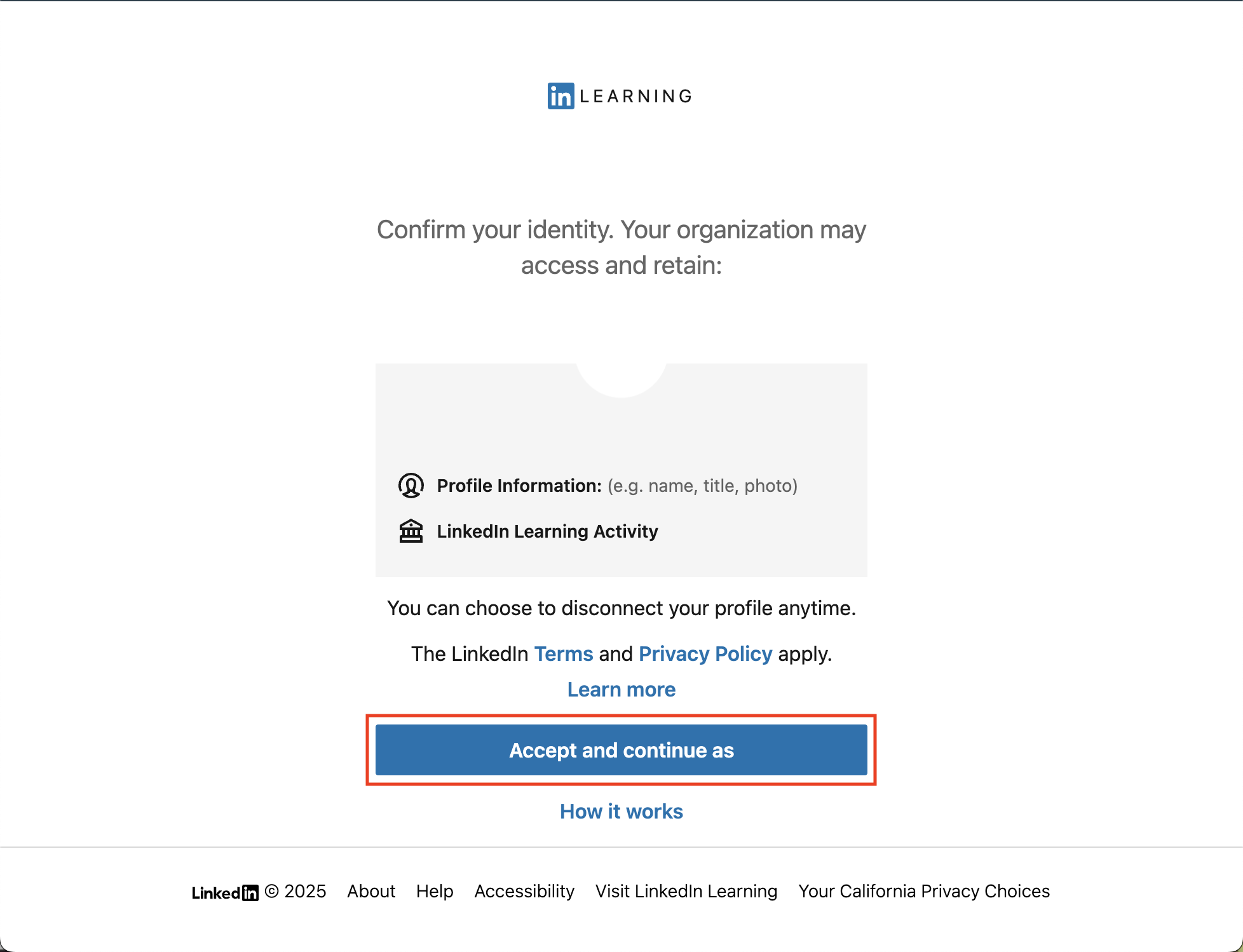
Confirm the connection. Your CPP learning history and certificates will now be synced with your personal account
Setting Up Your LinkedIn Profile
Once your accounts are connected, make sure your LinkedIn profile reflects your skills and accomplishments. If you don’t have a profile yet, or want to improve your current one, check out our guide:
Setting Up Your LinkedIn Profile
This guide will help you build a professional, polished profile to maximize the benefits of your LinkedIn Learning experience.


