Instructional Material
Creation Studio
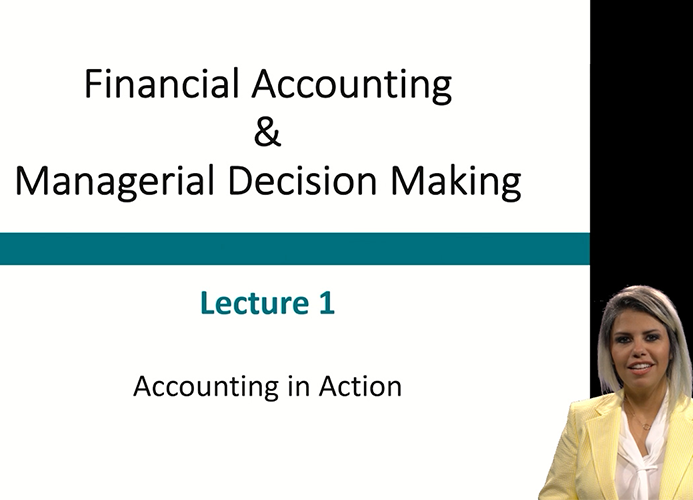
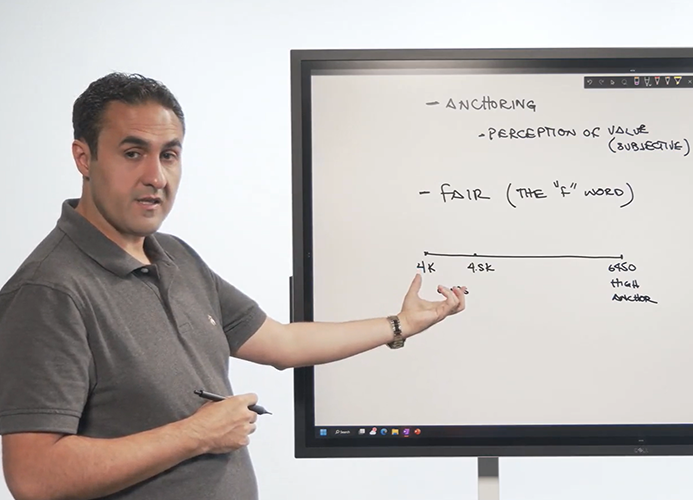
The Creation Studio is a multipurpose studio that is configured to capture a variety of teaching styles: standing, at a desk, ‘weather person style’ in front of a large touch screen, and lightboard (see below). A technician is always present and will assist with operating all aspects of the studio so you can focus only on delivering instruction.
If you would like to prepare materials for online or hybrid courses or simply want to add more digital resources for your fully face-to-face course, the creation studio is a great tool at your disposal.
Best Practices
- Prepare and test your materials in advance and bring your materials on your own laptop, a thumb drive, or make it accessible via OneDrive or similar easily accessible service.
- If it is your first time in the Creation Studio and would like an orientation, please note so in the request.
Lightboard Recording
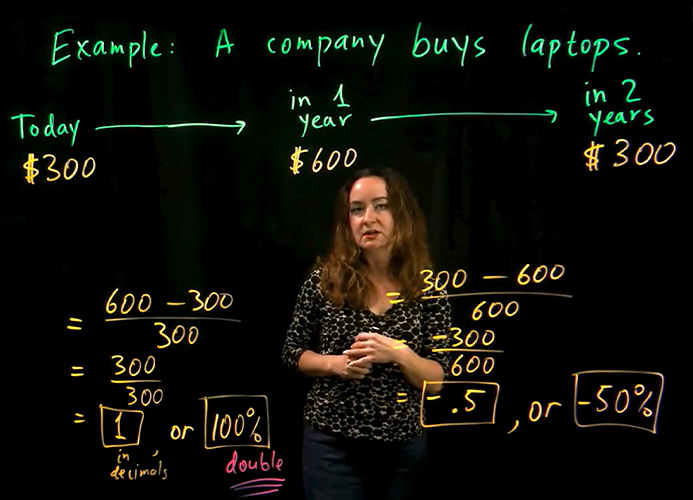
Lightboard provides a unique way to capture your lecture using glass as your whiteboard. Instructors are able to engage with their students, facing the camera, while writing and describing the content.
Best Practices
- Please note additional service including an instructional design consultation from our colleagues at CAFE.
- Make sure to prepare your lesson ahead of time with an outline.
- For any content you'd like to use in your presentation (e.g. PowerPoint, JPG, PDF, etc.), ensure that the background is black, as this will appear invisible and allow you to engage with this content. Here is a PowerPoint Template for you to download to prepare your presentation (PPT).
- Provide your PowerPoint, PDF, or JPG to MediaVision at least 24 hours prior to recording: mediavision@cpp.edu.
- Be sure to wear solid, darker shades of clothing, but preferably not black though.
- Make your lesson short! No longer than 6 minutes; one concept, one problem. If you have more content, split it into smaller bite sized chunks.
Ready to request your appointment?
-
We recommend submitting requests 2 weeks in advance to help ensure support.
-
For a series of recordings only one ticket is needed per course.
-
Does your instructional content not fit into a studio? Isn’t movable? Is site-specific? We’re happy to travel to your hands-on place of instruction as needed. Submit a request and let us know the details.
- The MediaVision staff will reach out to you to confirm and gather details if necessary.