To search the faculty reports, first find the faculty member's Bronco ID you want to search up.
Go to the View/Edit/Print Form View and in the Search for an appointmnet panel search for the Faculty's last name in the corresponding panel:
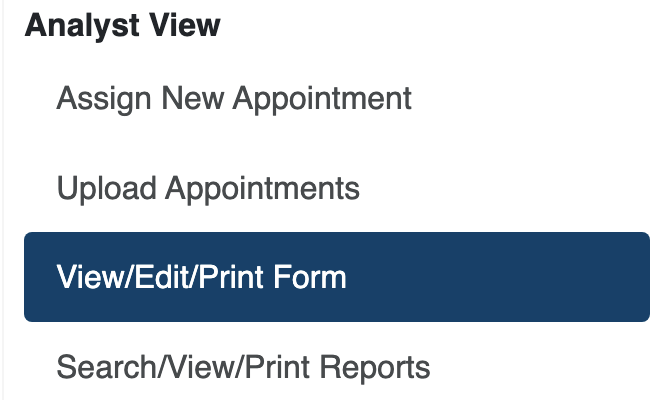
Under Search Appointments search for the last name of the faculty member:

Click the  button and find the under the results click the Form Number associated with the faculty member:

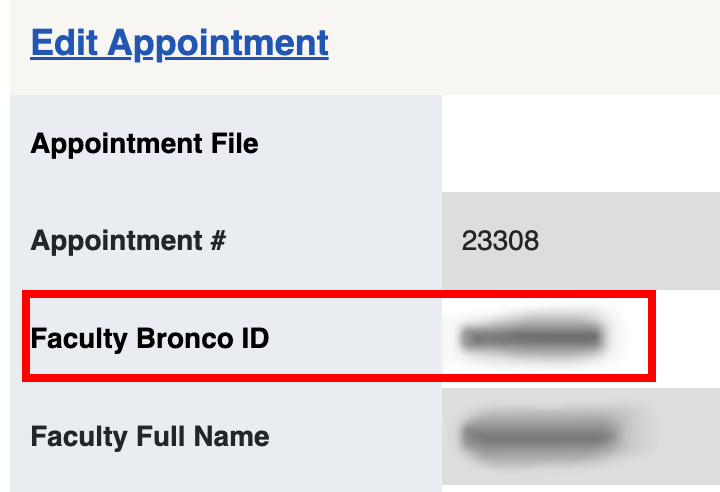
In the Form Details copy the Bronco ID in the Faculty Bronco ID field:
=
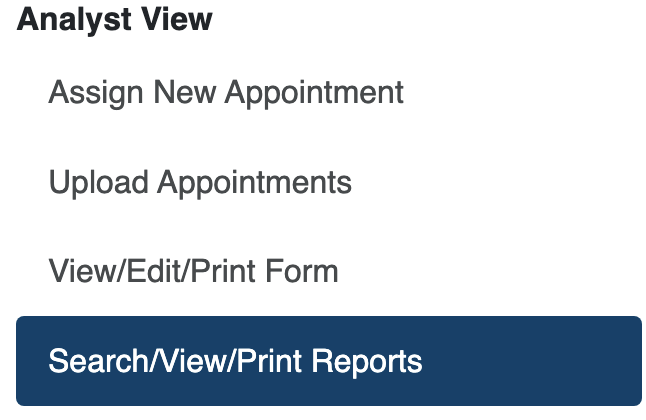
After copying the Faculty Bronco ID go to the Search/View/Print reports tab:
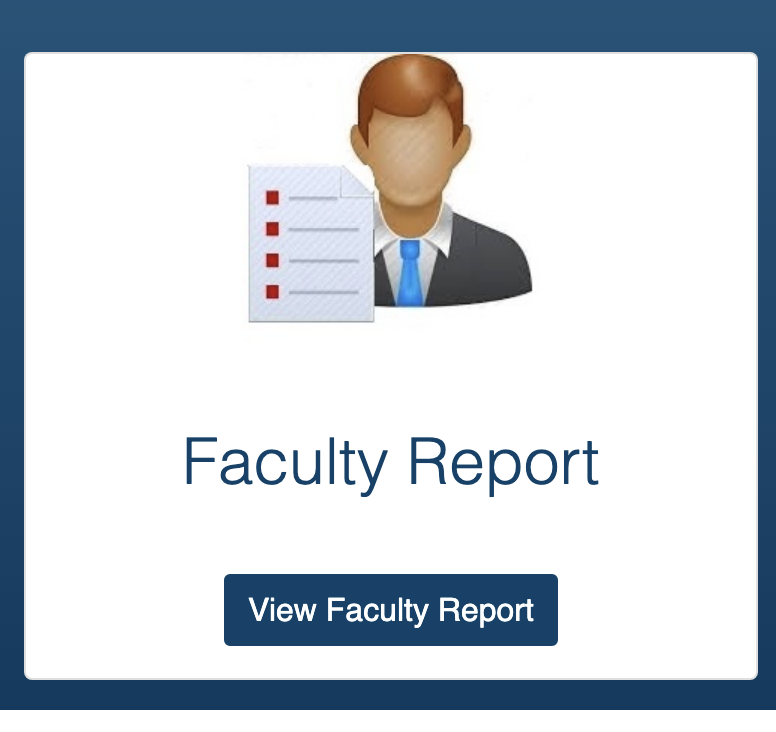
Click on the Faculty Report Card:
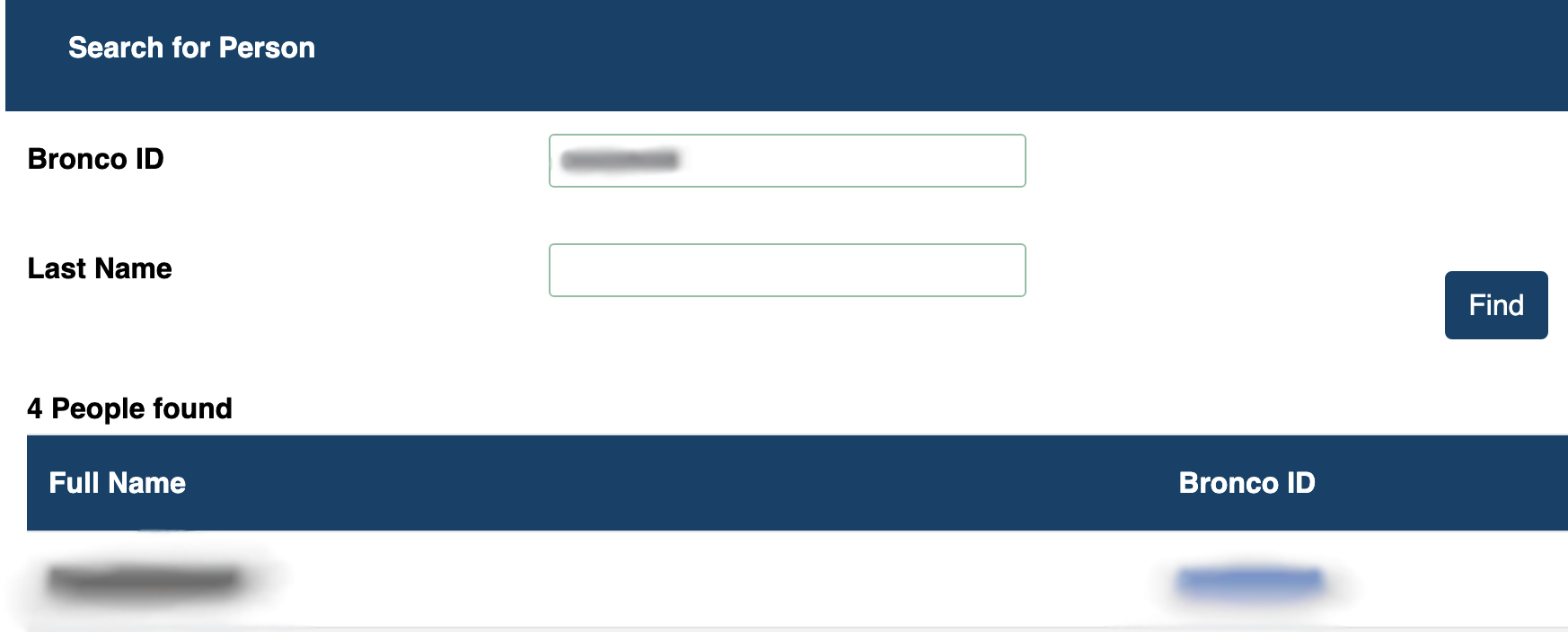
Under Search for person paste the Bronco ID into the Bronco ID field and click on the blue Bronco ID field to get to the faculty member's page:
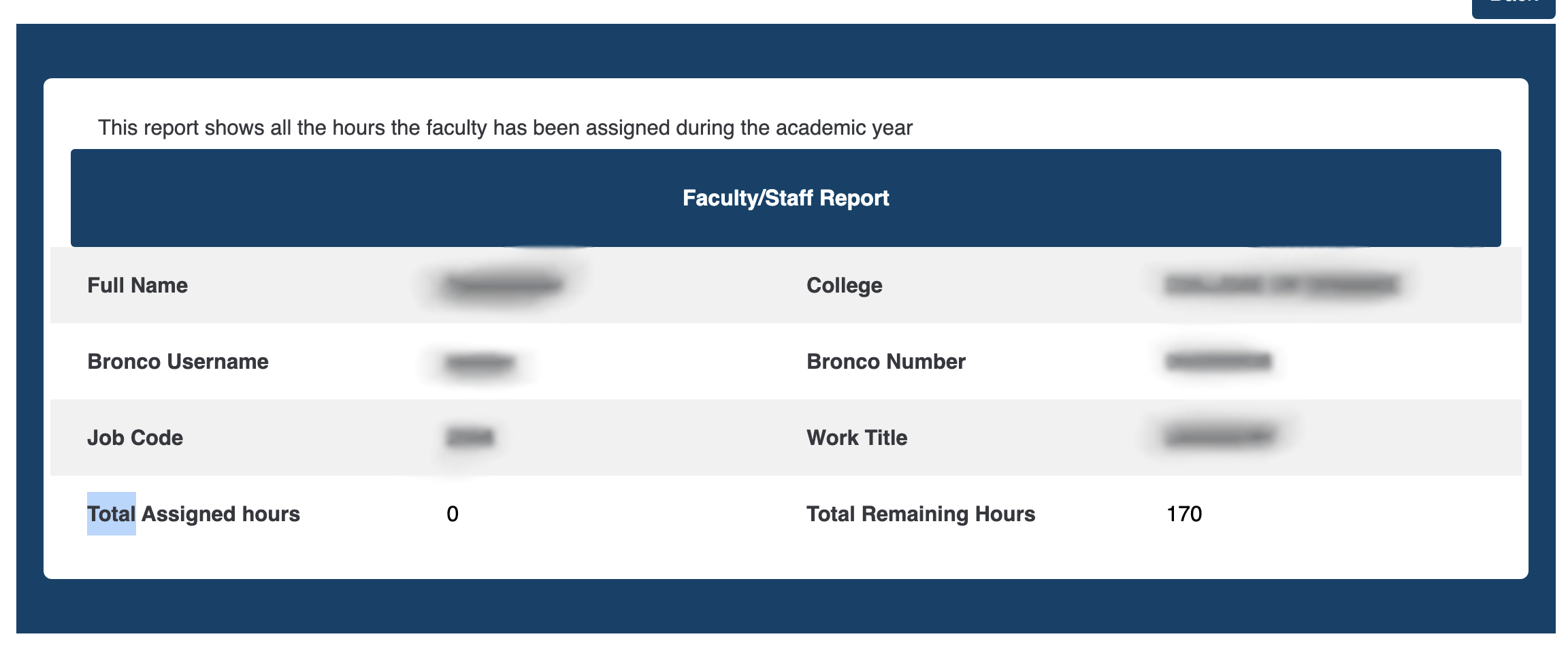
You can view the general report for faculty in the Faculty/Staff Report:
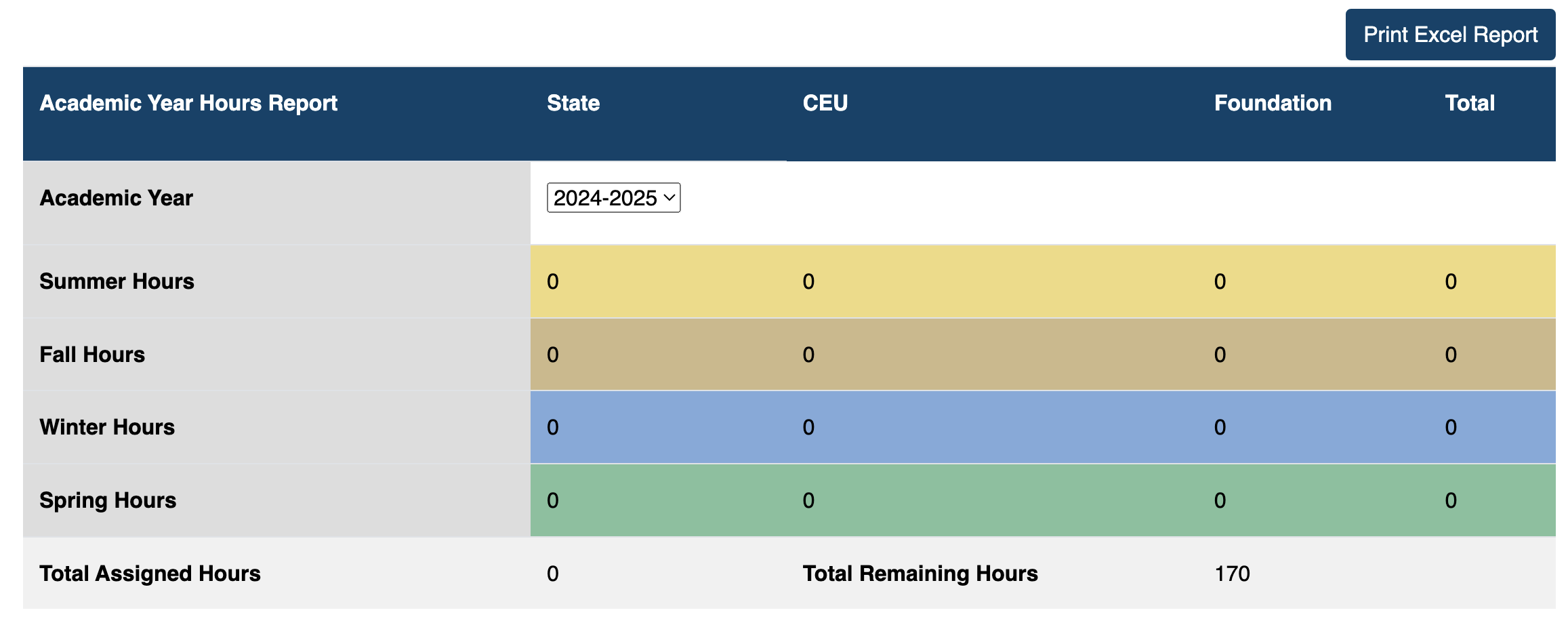
You can view the faculty member's assigned hours in the Academic Year Hours Report:
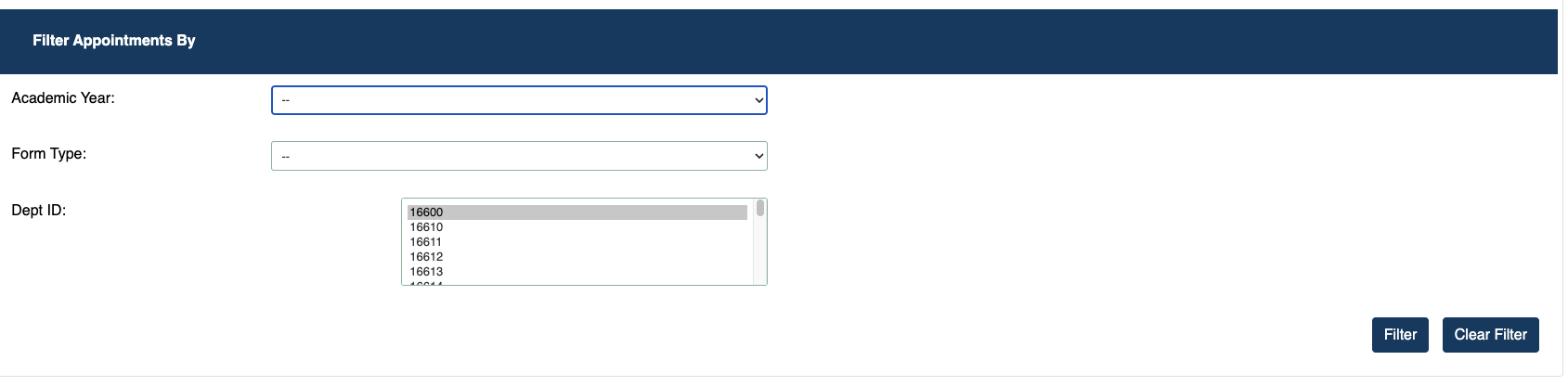
You can view the faculty member's appointments on the bottom section:





 button.
 button.
 button.